Ultimate Bali Phone Guide: Stay Connected Affordably
Don't let connectivity costs derail your paradise escape—master your digital presence in Bali with this ultimate guide.
Staying connected in Bali is the difference between a seamless adventure through Ubud’s rice terraces and a frustrating struggle to find a signal while lost in a remote village.
Whether you are trying to call a Grab driver or navigate a winding road in Uluwatu, your smartphone is your most vital travel tool.
Key Takeaways * Navigating local SIMs versus international roaming is crucial for budget control. * Data usage patterns vary wildly depending on your base location, such as Ubud versus Seminyak.
* Understanding local communication norms, like the silence of Nyepi, is essential for a respectful trip. * Pre-planning your connectivity strategy prevents unexpected high roaming bills.
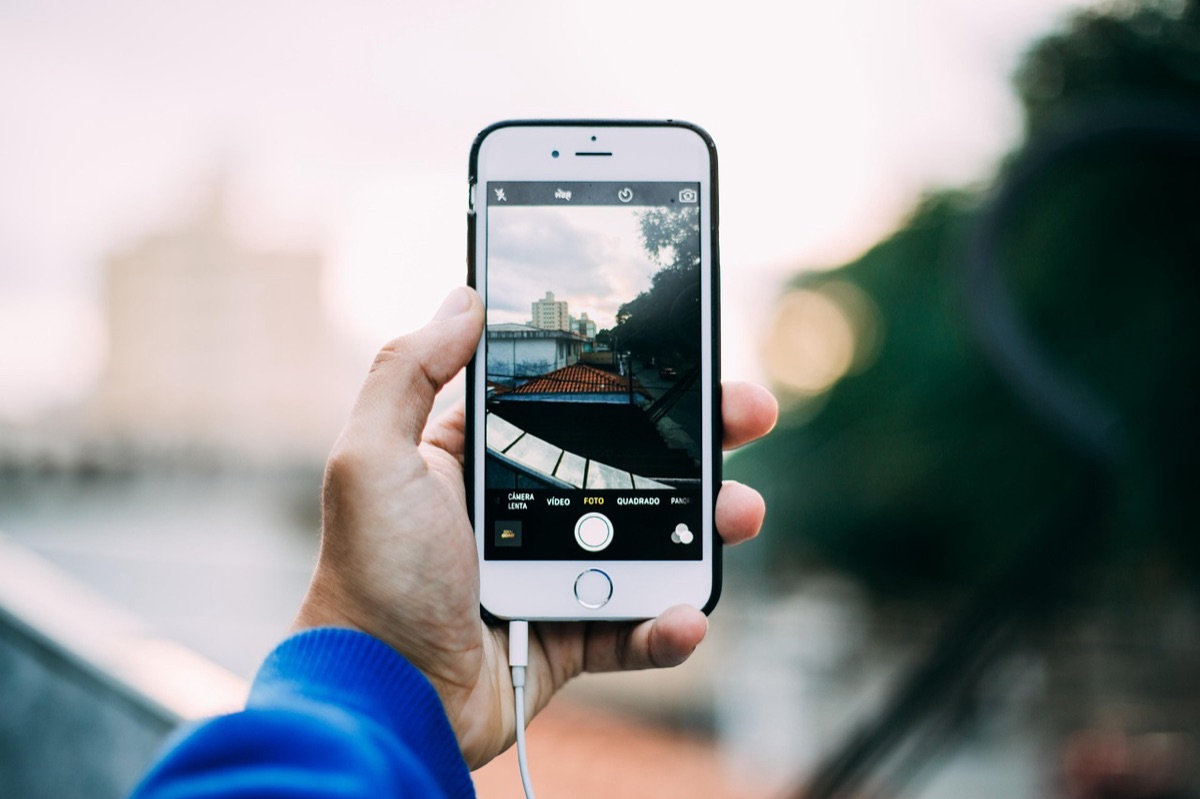
Why Your Phone Habits Need a Bali Upgrade
The sun is beating down on the tarmac at Ngurah Rai International Airport in July 2026, and as you step into the humid tropical air, the first thing you do is check your phone. You see a notification: a massive roaming charge alert from your home carrier.
That single moment of realization can set the tone for your entire vacation if you aren't prepared.
Relying solely on international roaming plans is often the most expensive mistake a traveler can make. While the convenience of having your own number active is tempting, the cost-per-gigabyte is astronomical compared to local options.
In 2025, I remember checking my bank app after a week in Southeast Asia and seeing a $300 roaming bill that wiped out my dinner budget.
In many cases, a single week of high-speed data through a US-based roaming plan can cost as much as a month of premium local service in Indonesia. In 2026, these price gaps remain significant.
Before you even leave your house, you should take actionable steps to prepare. Download offline maps for the regions you plan to visit, such as the mountainous terrain of Ubud or the coastal cliffs of Uluwatu.
Setting up an eSIM profile on your device before you land can also provide an immediate layer of connectivity the moment you touch down, allowing you to navigate the airport and find your transport without hunting for a kiosk immediately.
But having a signal is only half the battle; you also need to know how to choose the right kind of connection.
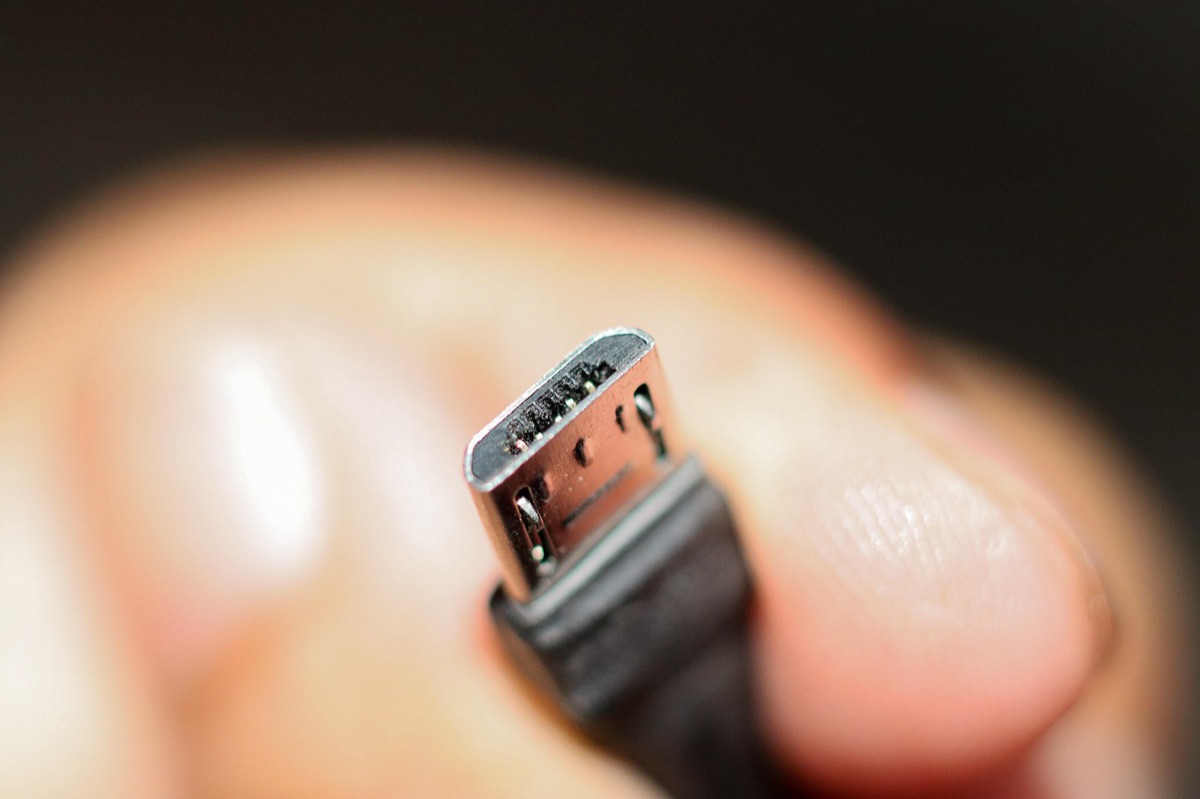
Choosing Your Digital Lifeline: SIM Card Deep Dive
You are sitting in a small, brightly lit shop in Denpasar, the smell of incense wafting in from the street, as you hold a small plastic packet containing a new SIM card. The shopkeeper explains the different data packages, and you realize that choosing the right one is your first real task in Bali.
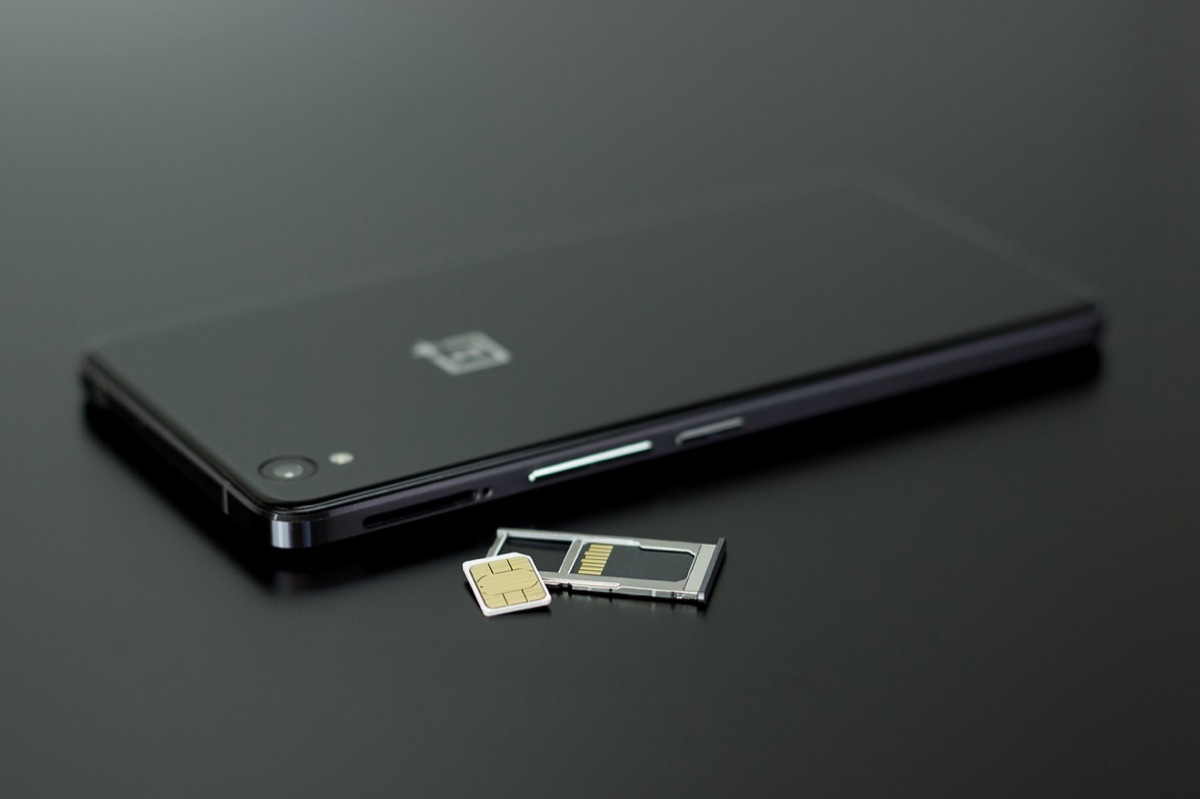
For travelers, the choice usually falls between a local physical SIM and an eSIM. In Indonesia, providers like Telkomsel are widely regarded as having the most extensive coverage, especially when you venture into more remote areas like North Bali or the islands of Nusa Penida.
MaxLife and other providers also offer competitive packages, but coverage consistency is key. In 2026, coverage in areas like Sidemen is much better than in 2024, but dead zones still exist.
Note that purchasing a physical SIM in Indonesia typically requires showing your passport at a registered outlet for activation, so avoid buying "unregistered" SIMs from street vendors, as they may stop working without proper documentation.
eSIM technology has changed the game for many. The primary advantage is ease of installation; you can switch between your home line and a local data line with a few taps.
However, keep in mind that signal variability can occur depending on the provider's infrastructure in specific pockets of the island.
For those staying in major hubs like Seminyak or Canggu, an eSIM is usually perfect, but if you plan to trek through remote villages, a local physical SIM from a major provider might offer more robust stability.
Once you have your SIM, you can easily top up data through the provider's official app or at local convenience stores to keep your connection alive.
Once you have your connection secured, you have to figure out how to actually use it without running out of data by noon.
Mastering Data Usage: How to Stay Connected Without Breaking the Bank
You are sitting at a seaside cafe in Canggu, the sound of waves crashing nearby, as you realize your high-definition video stream has caused your data to vanish faster than a sunset. You look at your phone, wondering how you will navigate to your next destination without a signal.
Managing your data requires a strategic approach to app usage. High-bandwidth activities like streaming 4K video or heavy social media uploading can drain a data plan in hours. To prevent this, download your Spotify playlists, Netflix shows, and YouTube videos while you are on your hotel's Wi-Fi.
This ensures you have entertainment during transit without touching your precious mobile data.
Your needs will also shift based on your location. In a bustling area like Seminyak, you might use more data for booking rides, checking restaurant reviews, and social media. In contrast, a trip to Ubud might require more heavy-duty map usage and translation apps.
To stay efficient, always download Google Maps areas and translation packs for Indonesian/Balinese while you are on a stable Wi-Fi connection.
This "offline is gold" strategy ensures that even if you hit a dead zone in the middle of a rice paddy, your phone remains a functional tool rather than a paperweight.
But there is a time when even the best data plan won't help you, because the culture itself might demand you disconnect.
Beyond Data: Navigating Bali's Digital Culture
The streets are eerily silent, and there is a profound sense of stillness in the air as you walk through a village during Nyepi. You reach for your phone to check the time, but you remember the local custom: today, the world is meant to be quiet.
Understanding the local context is just as important as having a signal. During Nyepi, the Hindu Day of Silence, the entire island undergoes a ritualistic shutdown. There is no light, no noise, and no travel. In many areas, internet and power usage is intentionally minimized.
It is vital to respect this period by following local protocols—avoiding loud phone calls or bright screens in public during these sensitive times.
Beyond religious observances, your phone is a tool for local integration. In Bali, apps like Gojek and Grab are essential for everything from food delivery to ride-hailing. Learning how to use these apps is often more efficient than trying to negotiate prices with local drivers.
However, always maintain cultural sensitivity. When visiting sacred temples, keep your phone tucked away unless you are taking a quick, respectful photo. Using your phone excessively in a place of worship can be seen as disrespectful to the local community and the spiritual atmosphere.
While you navigate these social nuances, you also have to deal with the physical realities of the tropical environment.
Pro-Tips for Seamless Travel
The tropical heat is intense, and you notice your phone feels uncomfortably warm in your hand as you navigate through the crowded markets of Ubud. You realize you need to manage your device just as much as you manage your itinerary.
Managing battery life is a constant battle in the tropics. High temperatures can cause phones to throttle performance or shut down entirely. Carry a high-quality, high-capacity power bank to ensure you aren't stranded without a charge.
Using "Low Power Mode" during long travel days can also extend your battery life significantly.
Always have an emergency connectivity plan. Do not rely solely on your hotel's Wi-Fi; if you are traveling to remote areas, having a local SIM as a backup to your primary device is a smart move.
Finally, find a balance between being connected and experiencing the "Bali Vibe." While you need your phone for navigation and safety, there will be moments—like a sunrise over Mount Batur—where putting the phone in your pocket and simply being present is the best way to travel.
| Feature | Local Physical SIM | International Roaming | eSIM (Traveler Focused) |
|---|---|---|---|
| Cost | Lowest | Highest | Moderate |
| Ease of Setup | Requires ID/Physical swap | Instant | Easy (Digital) |
| Coverage | Excellent (Local providers) | Depends on partner | Good (Varies by provider) |
| Best For | Long-term/Remote travel | Very short trips | Mid-term/Convenience |







Comments 0